
Albatross LifeOS
Built for the storm. Built to find your way home.
Your data. Your truth. Your operating system.
Free to download. iPhone and iPad first, Android shortly after. Tell me when it’s ready ↓
Sound familiar?
It’s what it feels like when no one’s flying the plane.
Fine on paper
Your life looks fine from the outside. It feels like it belongs to someone else.
Busy, and empty
Your calendar is full. Almost nothing in it matters to you.
Between chapters
Something ended, and you are not sure who you are now.
One system, not five apps
Your planner, journal, goals, check-ins and reviews, finally connected.
LifeOS starts each day with a short check-in, helps you plan your week around what matters to you (not just meetings), and helps you look back honestly. It shows you what is real, and lets you decide what to do with it.
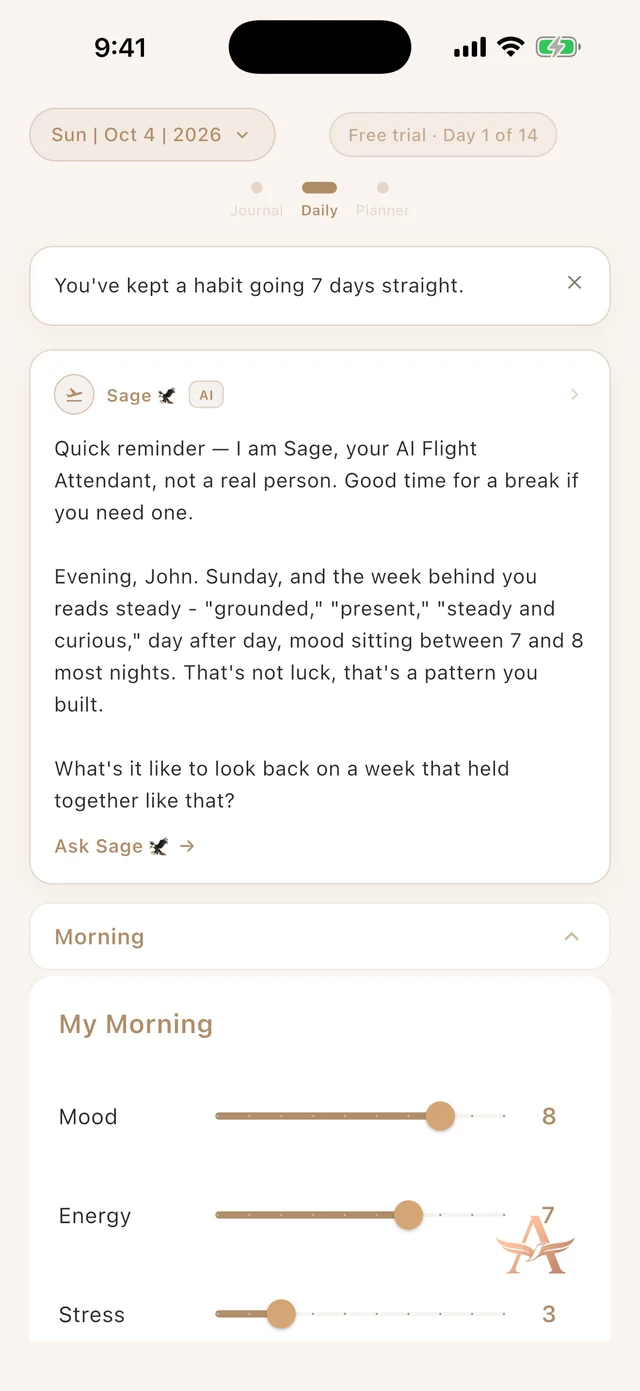
Daily Check-In
Start the day on purpose.
A few minutes in the morning, a short reflection in the evening.
- Rate your mood, energy and stress.
- Choose who you want to be today, in a word.
- Set your Top Three.
- Close the day with what drained you, what supported you, and one small win.
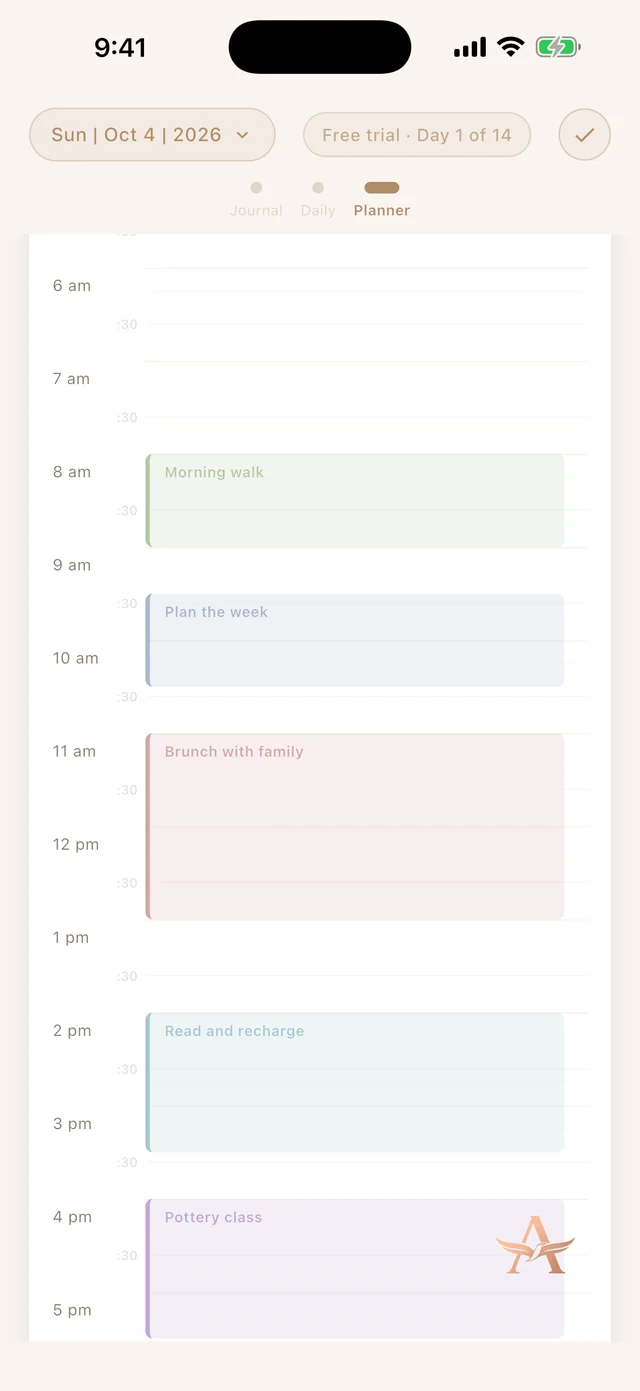
Planner
A planner that knows what matters to you.
A real calendar, with your phone’s calendars alongside it and kept in sync.
- Reminders, to-dos and repeating events.
- Meeting notes you type or write by hand with Apple Pencil.
- Flight Plan suggests time in your free hours for what matters to you. It never adds anything until you tap.
Life Wheel and goals
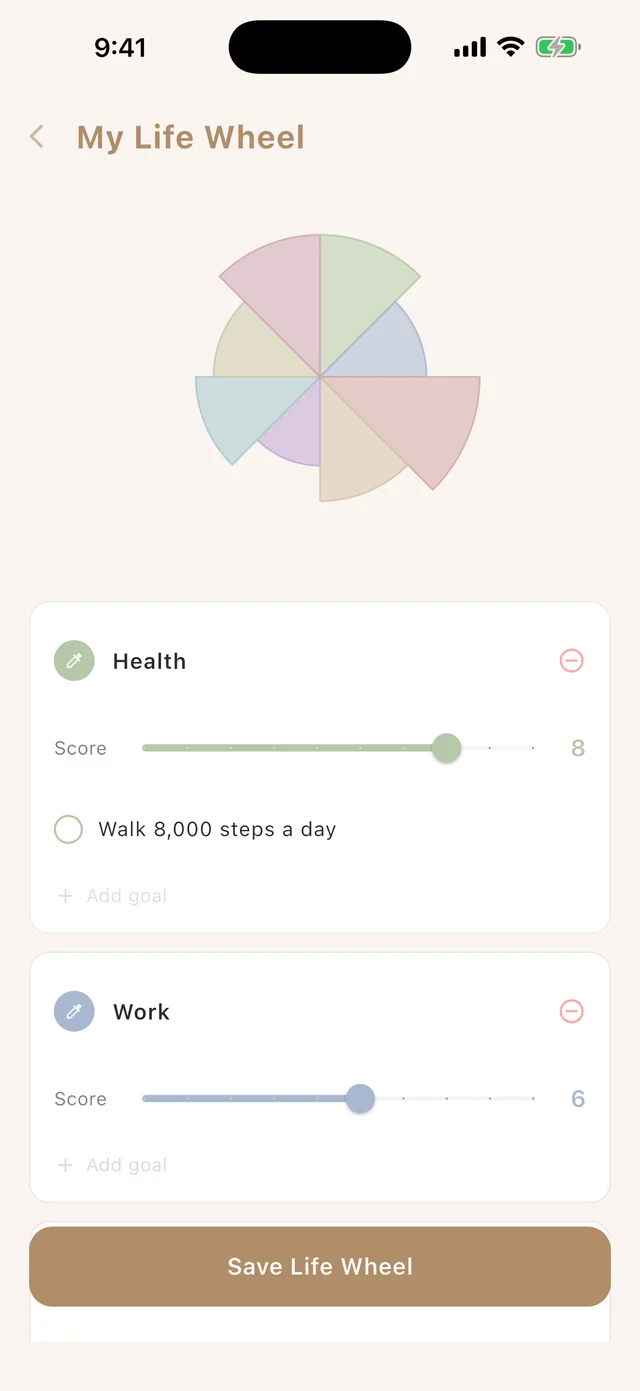
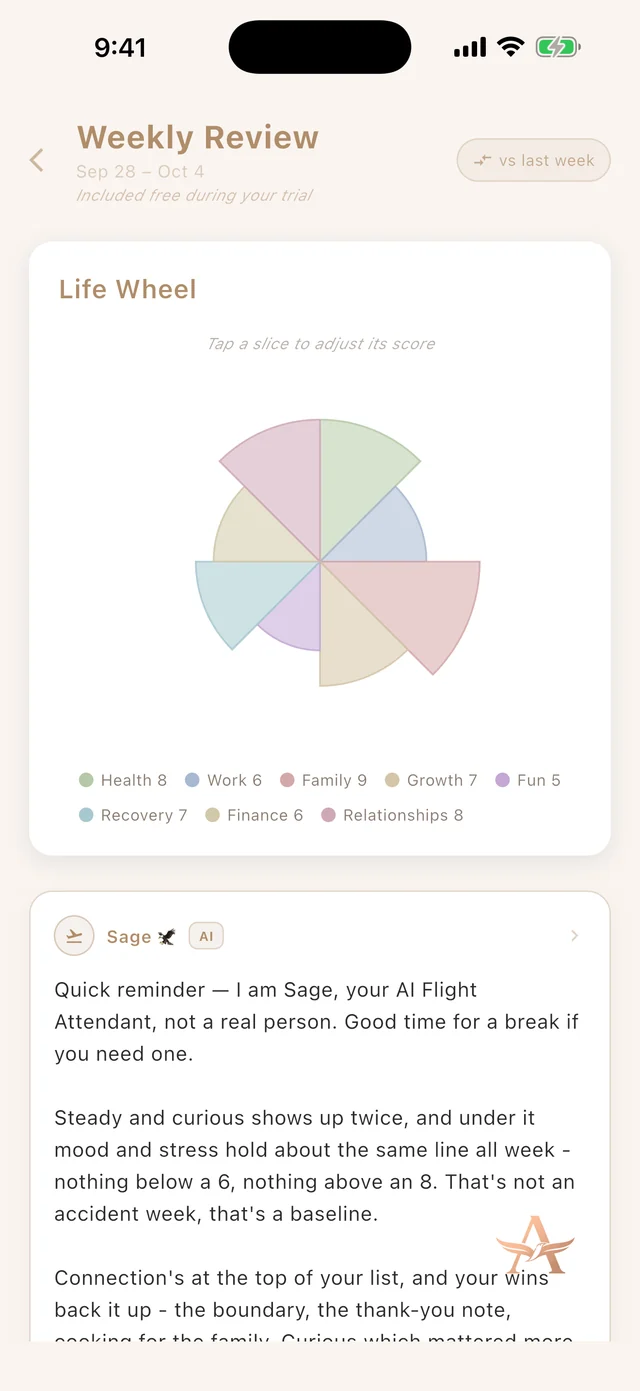
See your whole life at a glance.
Score each area of life, and keep goals as small projects you can actually finish.
- A colourful wheel of the areas that matter to you.
- Goals with steps: moving, stuck or paused. You can let one go.
- The Flight Log shows how your planned time lined up with what you say matters.
Your Flight Attendant
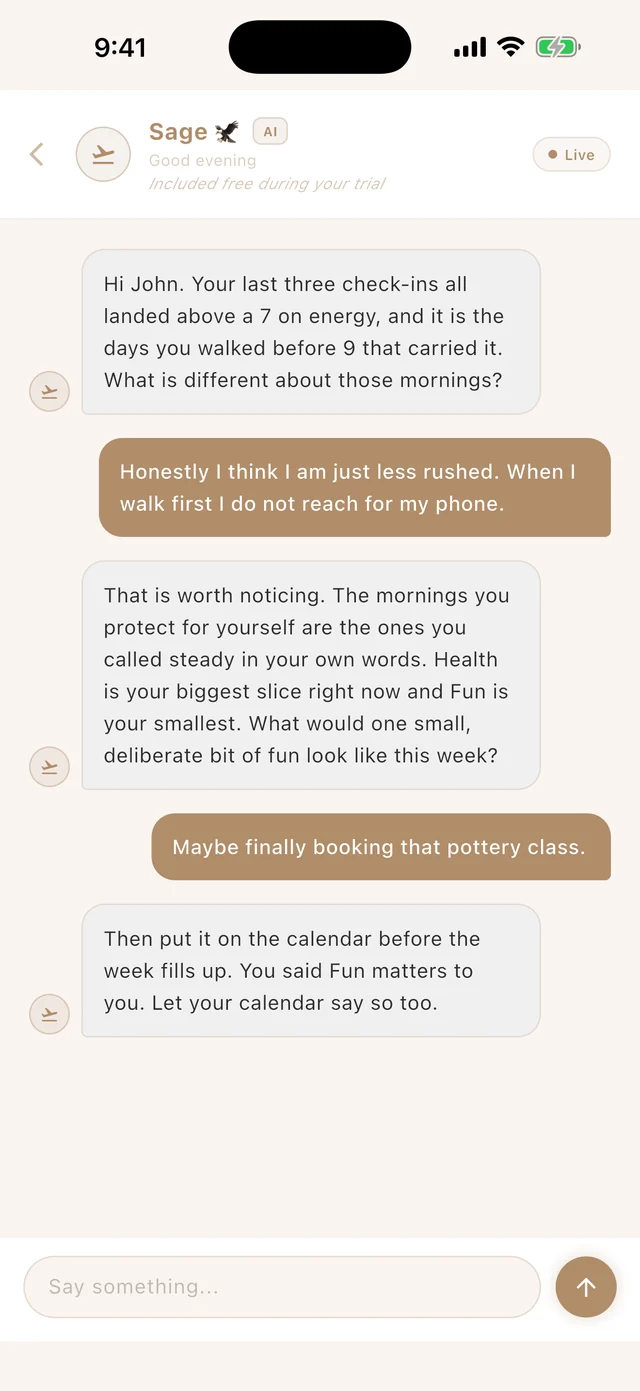
A companion you name yourself.
An AI companion that remembers what it learns about you, and sees only what you switch on.
- You can read, correct or delete what it remembers.
- Journal, Apple Health and your planner are each a separate switch, off by default. The planner is shared as times and life areas only, never event titles.
- It is not a therapist, and it says so.
Reviews and Your Truth
Look back honestly.
A weekly and a monthly review, and a place for the gap between what you say matters and what you do.
- Choose a focus for the week ahead.
- Plan next week with suggestions you accept or skip.
- A journal and a place to keep your wins.
The Holding Pattern
A quiet, stripped-down space for hard days. It is never locked, on purpose.
Switching to LifeOS?
Your history comes with you.
Bring your writing over from the journal apps you already use, and it goes into your Journal under its original dates. You don’t start from zero: your words come with you.
- Built for exports from Day One, Daylio, Journey and Apple Journal, plus spreadsheets and notes saved as Markdown or text.
- You see what was found before anything is saved, and you can undo an import any time.
- Importing is free.
- And you can take everything back out with one tap, whenever you like.
Every app saves its files a little differently, so some entries may not come across perfectly. We tell you what we couldn’t read.
Private by design
Your content stays yours.
- No ads, and no third-party analytics.
- Your journal and check-ins live in your own account, and only you can reach them.
- The Flight Attendant sees only what you turn on.
- Apple Health data stays on your device unless you choose to share it.
- Lock the whole app with Face ID or a passcode.
- Delete your account and your data goes with it.
LifeOS is a mental-awareness and life-direction tool. It is not therapy and not medical advice. Read the full Privacy Policy.
Free to start
Try everything for 14 days. No card needed.
Download it free. After the trial, free keeps your Daily Check-In, Planner, Life Wheel and the Holding Pattern, plus your last 7 days of journal. Pro unlocks the rest. Nothing you have written is ever deleted.
You will see Pro pricing for your country in the App Store or Google Play.
Not in the store yet? Tell me when it’s ready.
One message when LifeOS launches. We will send a confirmation email first, so click the link in it to finish.
Questions
Good things to know.
Is LifeOS therapy?
No. It is a mental-awareness and life-direction tool, not therapy or medical advice. If you are in a mental health emergency, contact 911 or Crisis Services Canada at 1-833-456-4566.
What does the Flight Attendant see?
Only what you switch on. Journal sharing, Apple Health sharing and Planner sharing are each a separate switch, and each is off by default. You can turn any of them off at any time.
What happens after the 14 days?
You keep the free parts and Pro unlocks the rest. Nothing you have written is ever deleted: Pro-only parts simply stay locked until you upgrade.
Which devices does it work on?
iPhone and iPad first, with Android shortly after. On the free plan you use one device at a time, and you can switch devices whenever you like.
Can I bring my journal over from another app?
Yes. In the app, open Account Settings, then Bring your history, and choose a file you exported from your old app. It is built for exports from Day One, Daylio, Journey and Apple Journal, and for spreadsheets and notes saved as Markdown or text. You see what was found before anything is saved, and you can undo it. Every app saves its files a little differently, so some entries may not come across perfectly.
How do I delete my data?
In the app, open the menu, then Account Settings, then Delete Account. Deleting is permanent and removes your data from our servers. Details are on the delete account page.
Who is behind this?
Alan Verbeke, a mental strength coach. LifeOS came from his own rebuild. Read the story.